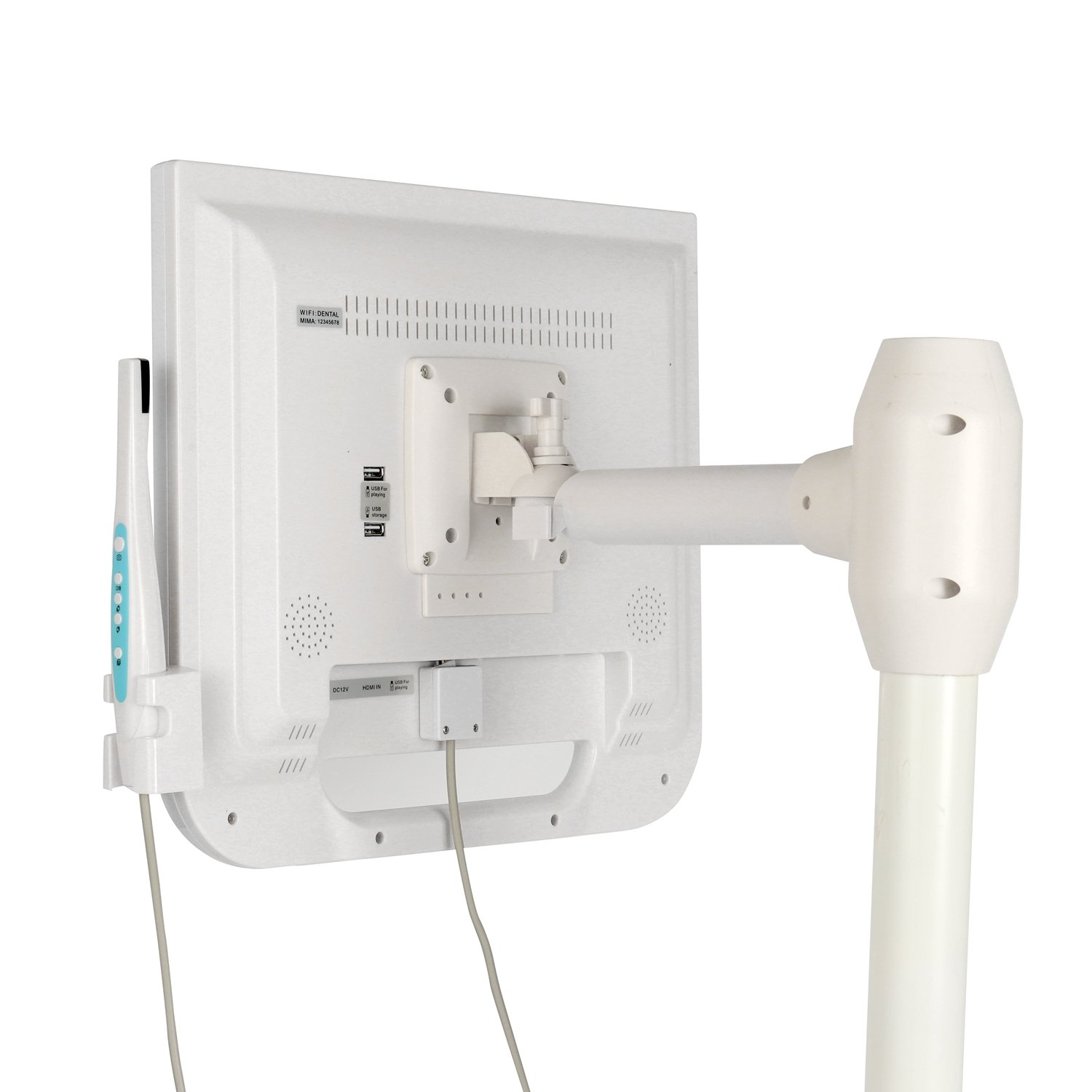
Dental Intra Oral Camera-Foshan Toye
SKU: 432836
Category: Camera
Fast Shipping
100% Original
No subcategories.
No subcategories.
No subcategories.
No subcategories.
Select a category to view products.
Hover over a sub-category
Your cart is currently empty.
SKU: 432836
Category: Camera
Fast Shipping
100% Original
| Feature | Details |
| Monitor Size | 17-inch (standard) or 21.5-inch (FHD) LCD/IPS Screen |
| Image Sensor | 1/4" HD CMOS Sensor |
| Resolution | 1280 x 1024 (17") or 1920 x 1080 (21.5") |
| Camera Pixels | 10MP to 12MP (depending on specific model variant) |
| Light Source | 6 High-brightness White LEDs (Cold Light) |
| Focus Range | 5mm – 50mm (Auto-focus) |
| Storage | Supports USB Flash Disk (typically 8GB or 16GB included) |
| Connectivity | VGA, HDMI, USB, and DC Power Input |
| Operation | 5-button control on the monitor or remote control |
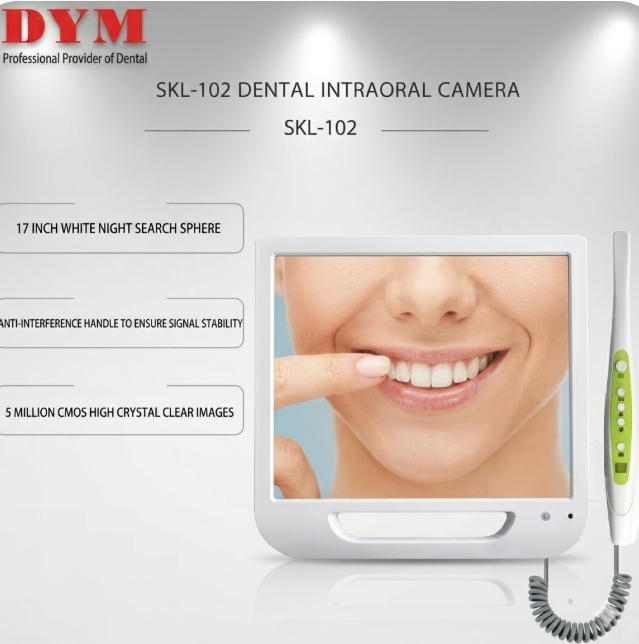
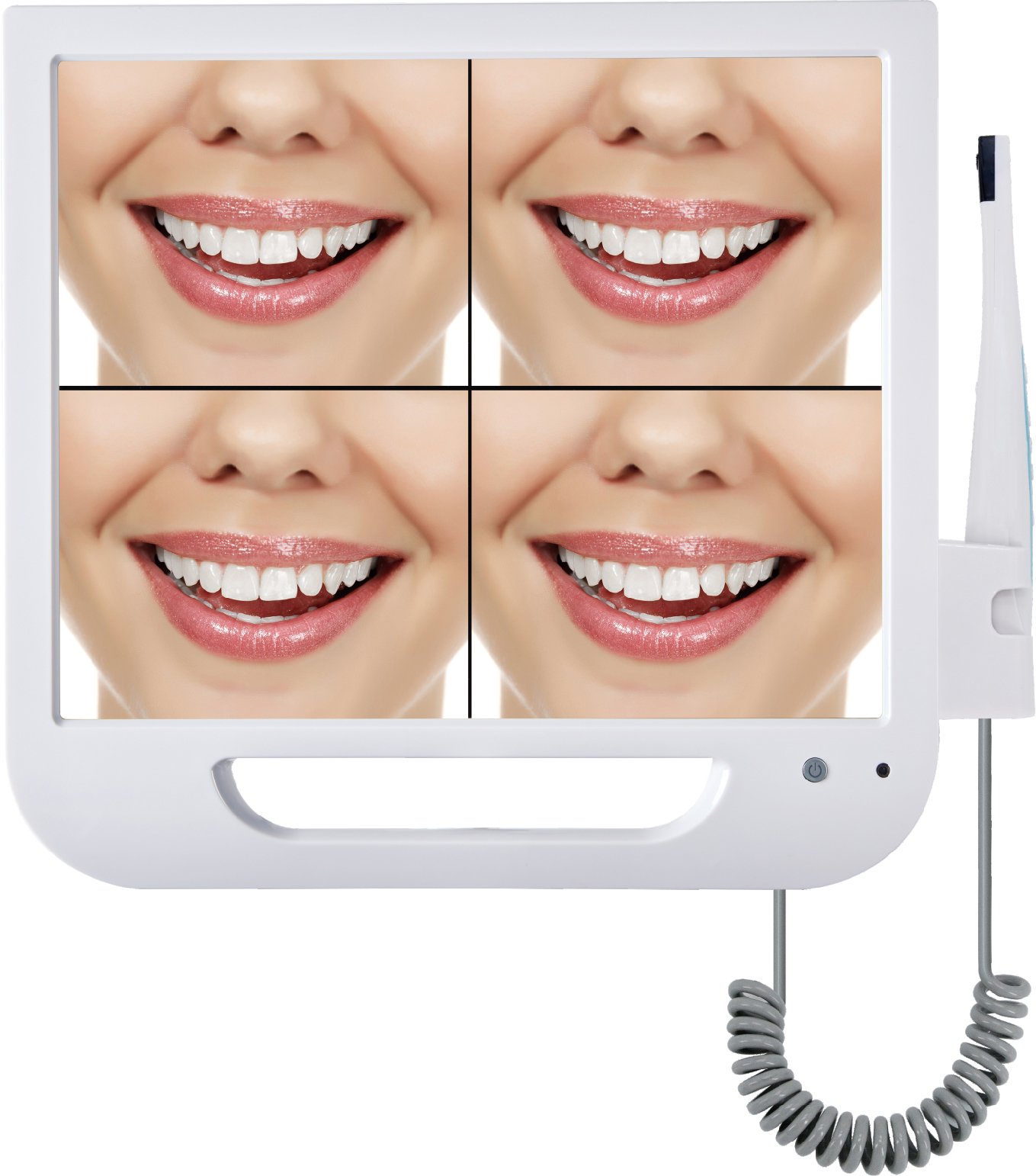
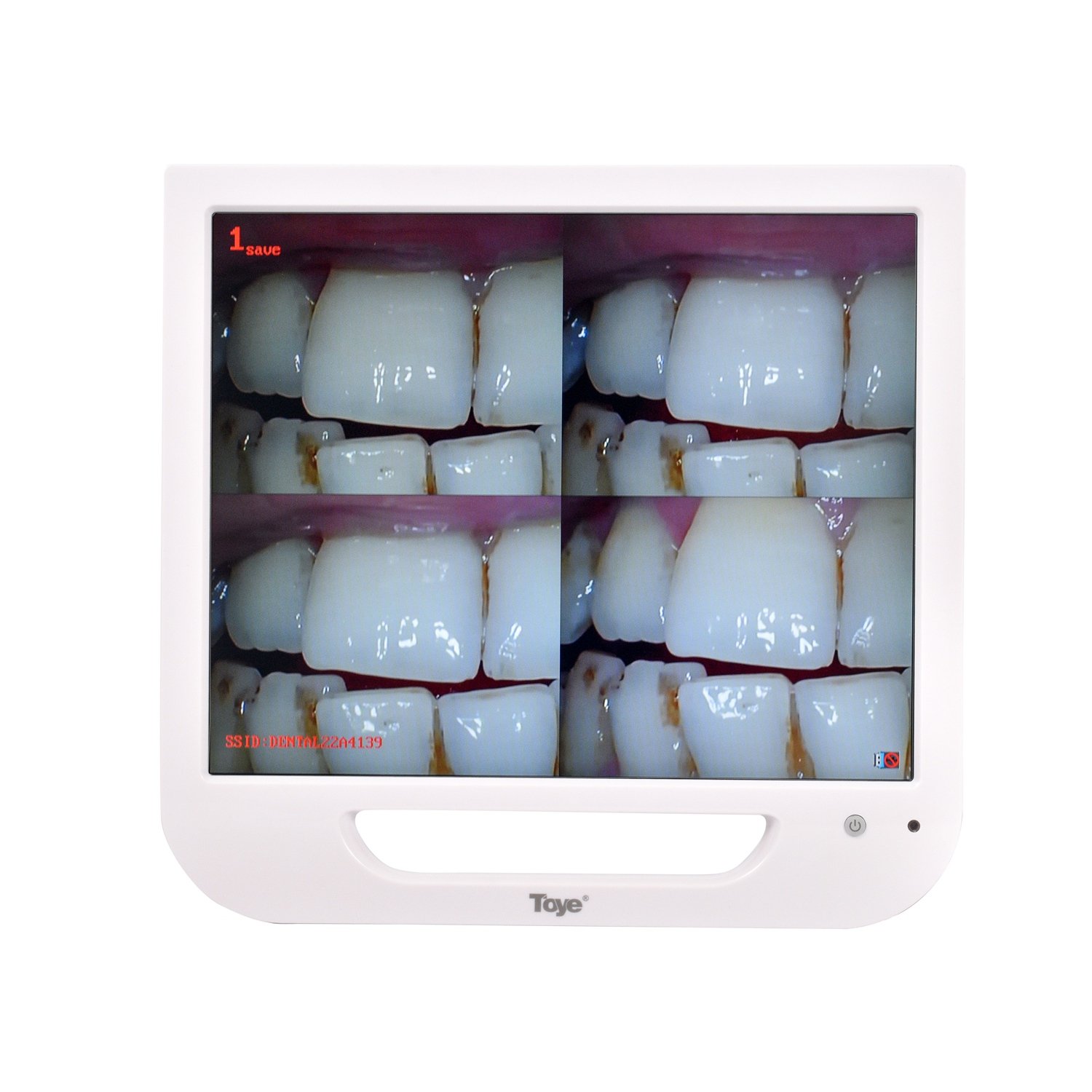
The Toye Intraoral Camera System is an all-in-one imaging solution featuring a dedicated medical-grade monitor and a high-resolution "wand" camera. The system allows dentists to capture clear, live images of a patient's teeth and gums, which can be displayed in a single-frame or quad-frame (4-picture) mode for comparison.
Quad-Image Display: The screen can be split into four sections (as seen in your images) to compare different angles or "before and after" shots.
Multimedia Integration: Many models support Wi-Fi or QR code scanning to transfer images directly to a mobile device or computer.
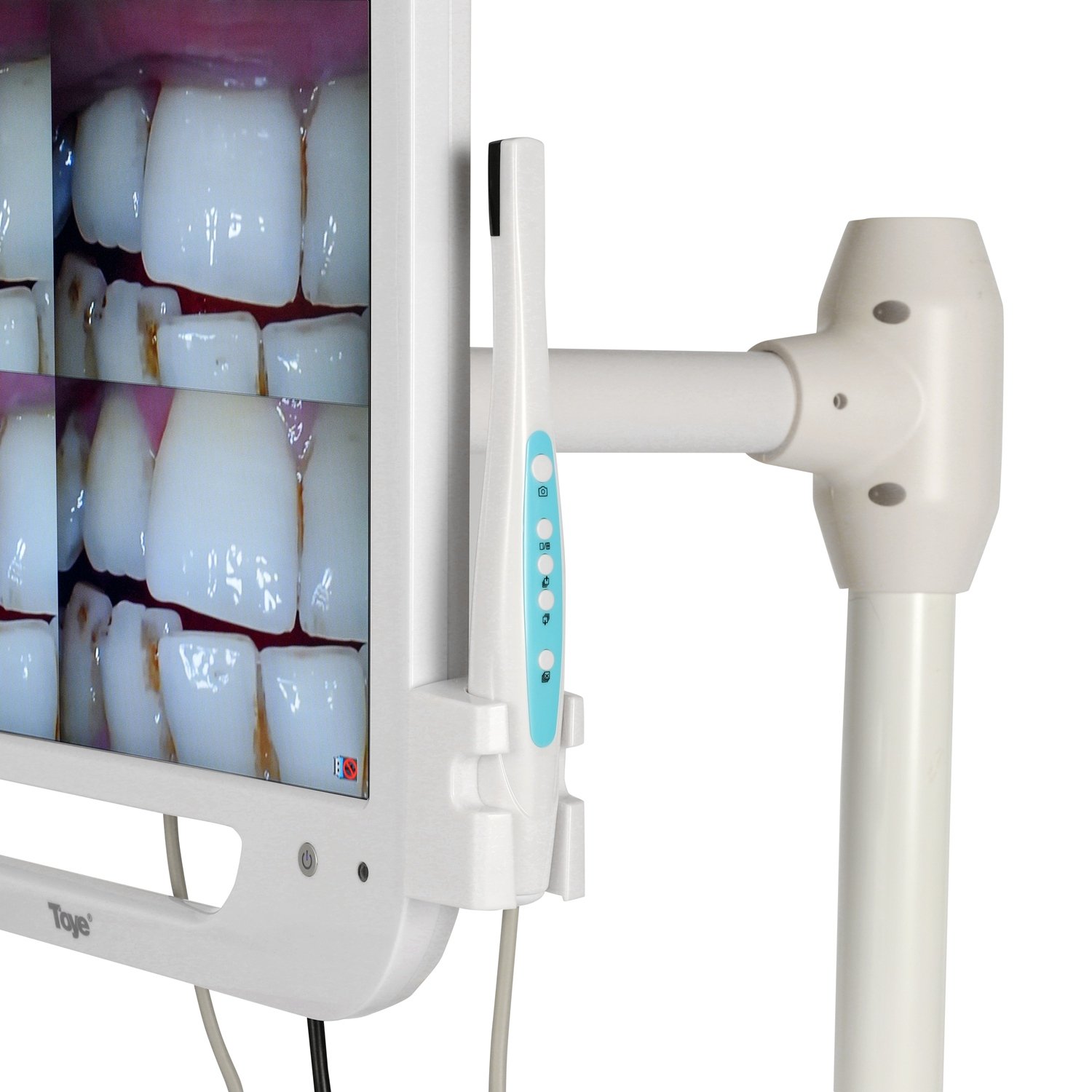
Ergonomic Handle: The camera wand is designed for easy maneuvering inside the oral cavity and includes a capture button on the handle.
Protective Design: The monitor often features a tempered glass front for easy cleaning and durability in a clinical environment.
While packaging can vary slightly by distributor, a standard "full set" typically includes:
LCD Monitor Unit (The main display)
Intraoral Camera Handpiece (The wand)
Camera Cable (Coiled/straight cable connecting wand to monitor)
Handpiece Bracket/Holder (Attaches to the side of the monitor)
DC 12V Power Adapter
Remote Controller
USB Flash Drive (For image storage)
Protective Sleeves (Disposable plastic covers for the camera wand)
User Manual
Mounting Hardware (Depending on whether it is intended for a chair-mount or wall-mount)
Using a dental multimedia system like the Toye unit is relatively straightforward, but proper setup ensures you get the best image quality and maintain hygiene standards.
Here is the step-by-step direction to use the system:
Power On: Connect the power adapter to a stable outlet and press the Power button on the bottom right of the monitor.
Insert Storage: Plug a USB flash drive into the USB port (usually located on the side or back). This is necessary if you intend to save photos for the patient's record.
Hygiene First: Always slide a new disposable plastic sleeve over the camera handpiece before use to prevent cross-contamination. Ensure the sleeve is tight over the lens to avoid blurry images.
Positioning: Place the camera tip inside the mouth. For a standard "occlusal" view (the biting surface), hold the camera parallel to the teeth.
Focusing: Most Toye models use an Auto-focus lens with a range of 5mm to 50mm. Move the wand slightly closer or further away until the image on the screen is sharp.
Capture: * Press the Capture/Save button (usually the top button) on the camera handpiece.
The image will "freeze" on the screen.
Multi-Screen Mode: Use the Quad button on the monitor or remote to toggle between full-screen and the 4-image split screen. This allows you to capture four different angles without deleting the previous ones.
Navigation: Use the Up/Down buttons on the monitor or the remote to scroll through the images stored on the USB drive.
Saving: Once a photo is captured (frozen), it is usually automatically cached. To permanently save it to the USB, ensure the "Save" icon appears on the screen.
Deletion: If an image is blurry, use the Delete button on the remote or monitor interface to clear that specific frame and try again.
Data Transfer: After the consultation, you can remove the USB drive to transfer the images to your clinic’s main computer or show them to the patient on a larger display.
Cleaning: * Monitor: Wipe the screen with a soft cloth dampened with a mild, non-alcoholic disinfectant.
Camera Wand: Wipe with a disinfectant wipe. Never submerge the camera wand or the monitor in liquid.
Storage: Return the handpiece to its side-mounted bracket to prevent it from falling or the lens getting scratched.
Based on 0 reviews
No reviews yet
Be the first to review this product.
Generic